











Building AI applications on Dify often means selecting the right model for the right task, sometimes across multiple providers. Qubrid AI simplifies that by giving Dify builders unified API access to DeepSeek, Kimi, Qwen, MiniMax, GLM, and many other leading open-source and frontier models, all through a single plugin.
Here's how to add Qubrid AI to your Dify workspace in five steps.
Step 1: Install the Qubrid AI Plugin
Head to the Qubrid AI plugin page on Dify Marketplace, Dify’s official plugin ecosystem, and click Install.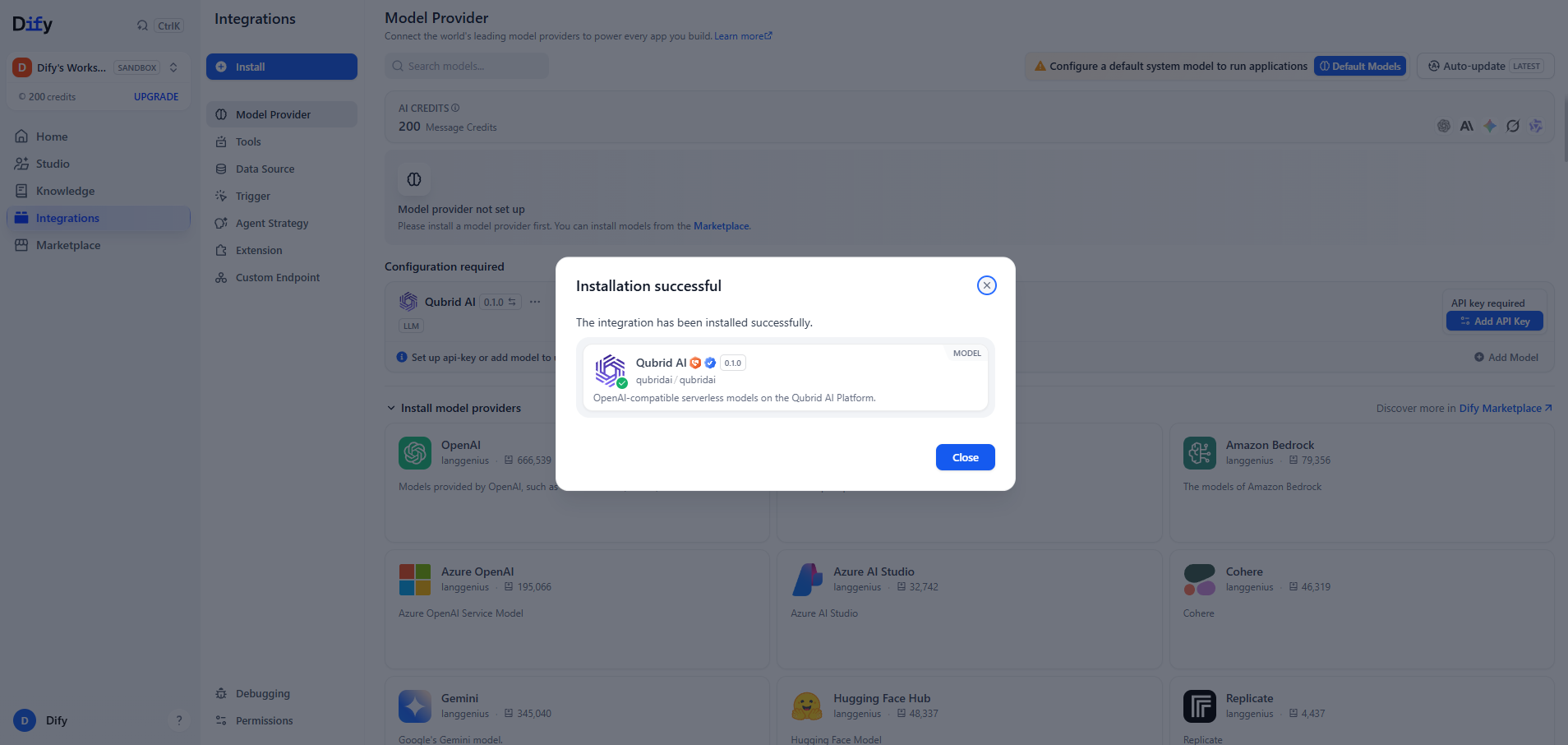
Step 2: Set Up Your Qubrid AI Account
Sign up on Qubrid AI and add credits to your account.
Next, generate your API key:
- Go to the API Keys section in your Qubrid dashboard
- Click Create API Key
- Give it a name (mandatory) and set an expiration date (optional, your choice)
- Copy the API key and store it somewhere safe and secure
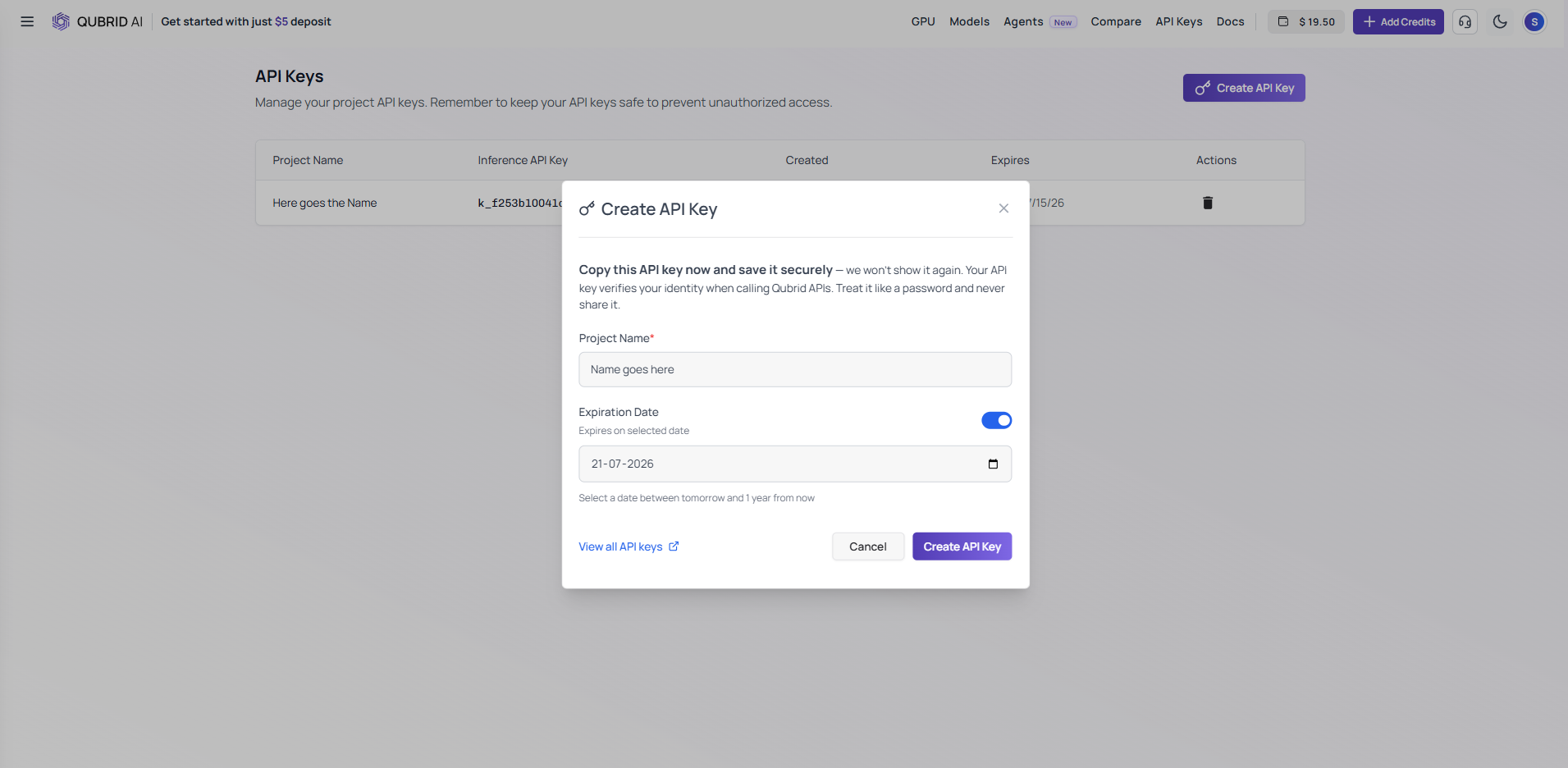
For more details on generating an API key, check out Qubrid's documentation.
Step 3: Connect Qubrid AI to Dify
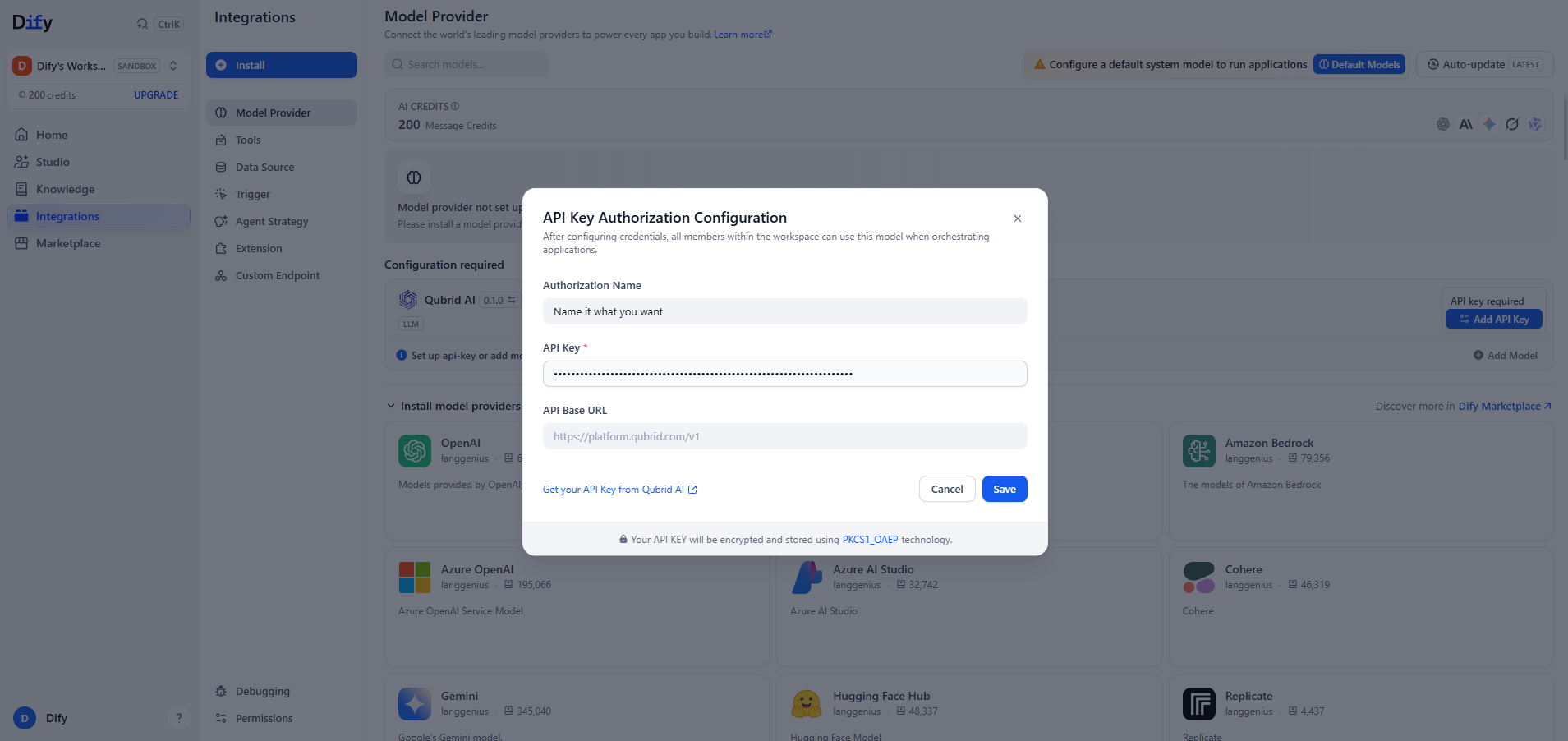
In Dify, go to Integrations → Model Provider. Qubrid AI will show up marked as "Configuration Required" if already installed, if not install it. Click Add API Key.
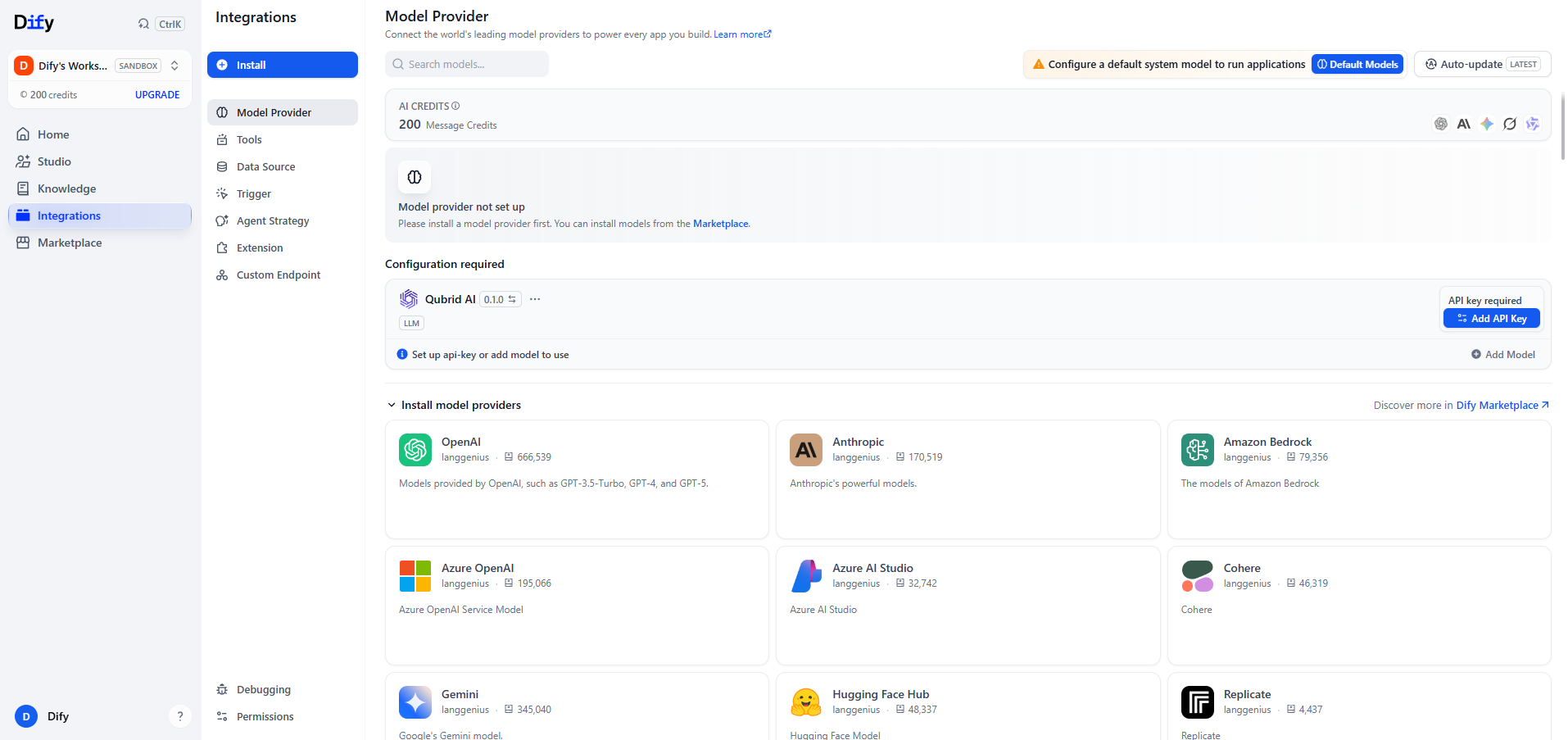
A dialog will open asking for three things:
- Authorization Name - a label to help you identify which model or API key is in use later on. Customize this however makes sense for your workflow.
- API Key - paste the key you generated in Step 2
- API Base URL - leave empty to use the default, or manually enter https://platform.qubrid.com/v1
Step 4: Choose Your Models
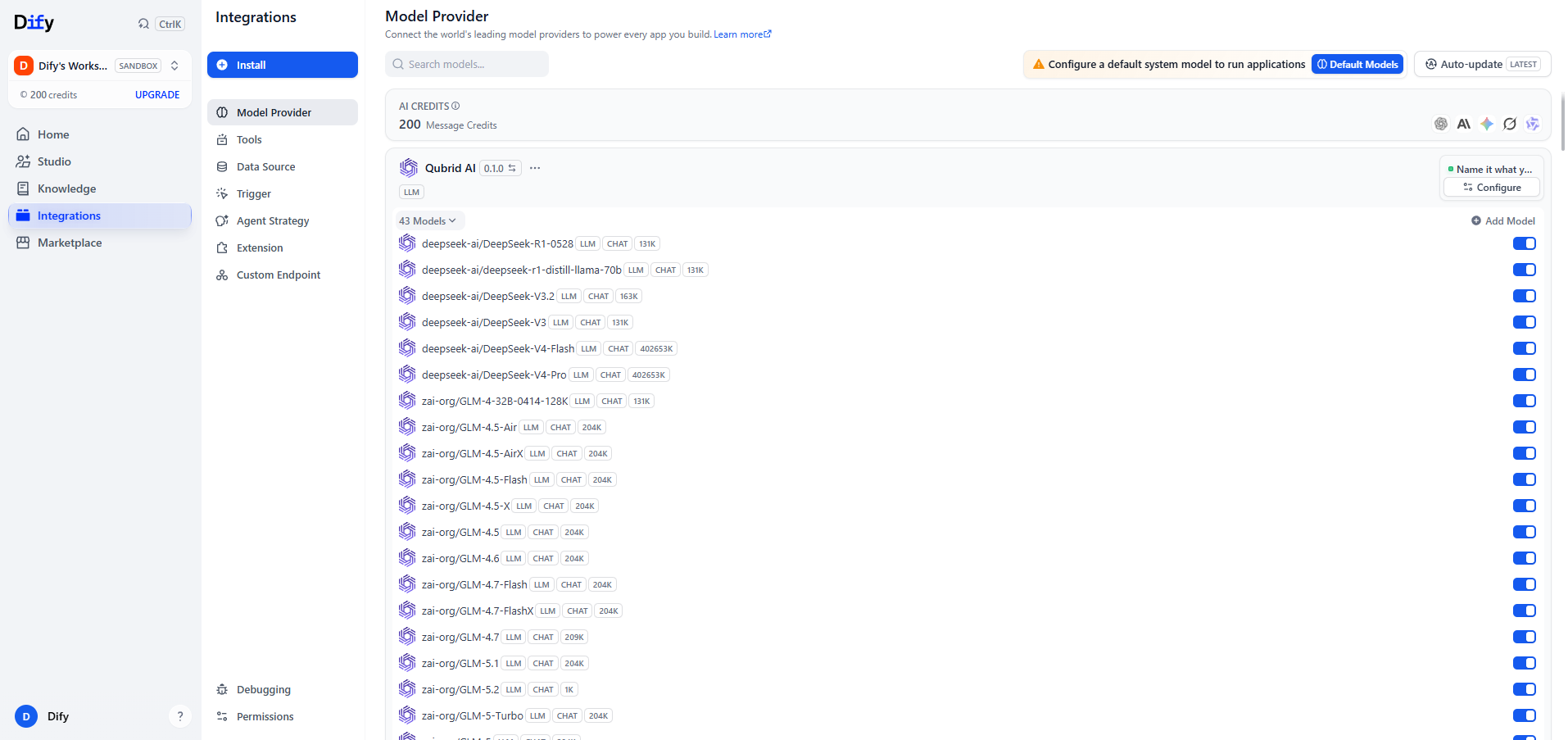
You can either click Add Model to add a specific model, or click All Models to see the full list (e.g., "43 models"). From the dropdown, mark individual models as active or inactive depending on what you want available.
Step 5: Start Building
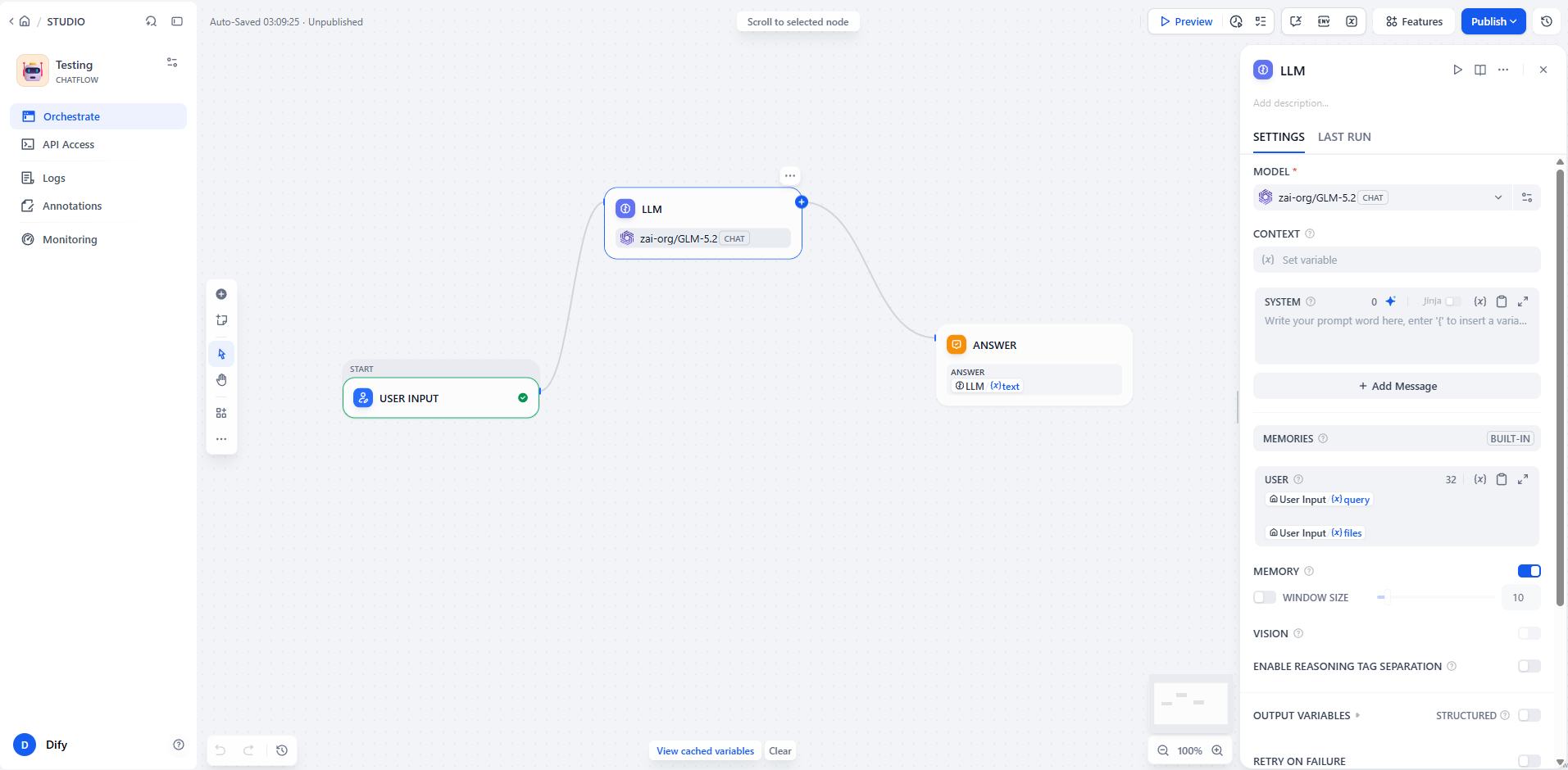
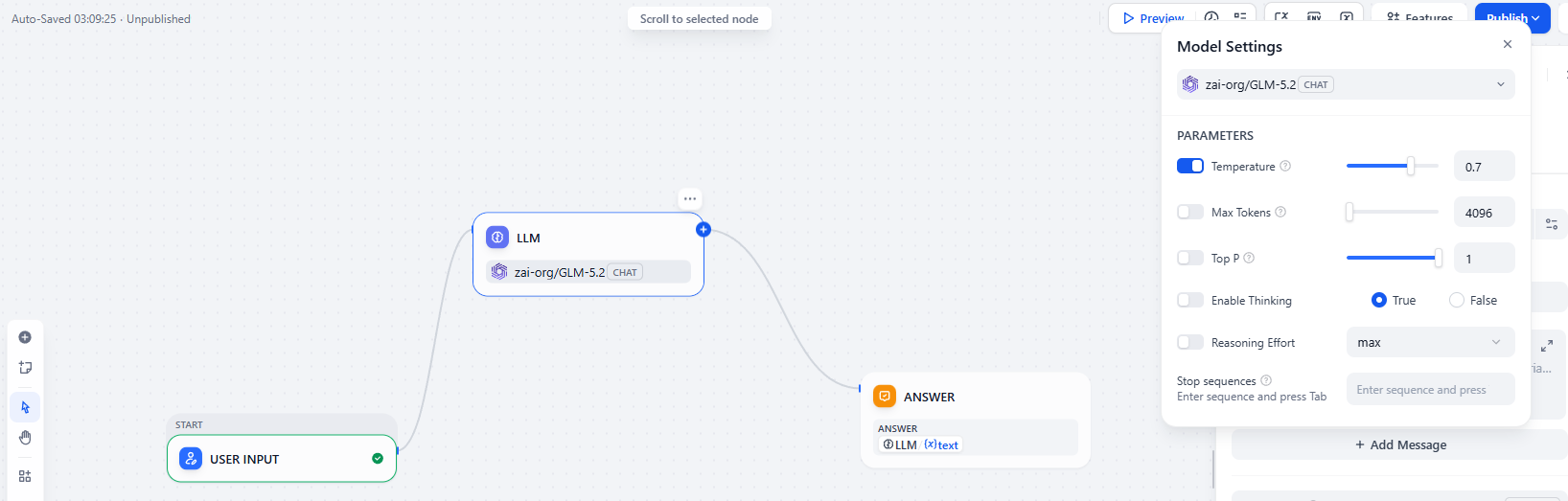
Head back to Dify Studio. Anywhere you'd normally select an LLM, Qubrid AI models will now be available by default - including DeepSeek, Kimi, Qwen, MiniMax, GLM, and many more, all accessible through a single API key.
About Qubrid AI
Qubrid AI is an open, inference-first AI infrastructure platform that enables developers and enterprises to build, deploy, and scale AI applications with speed and reliability. Through a unified API, users can access leading open-source and frontier AI models, GPU cloud infrastructure, fine-tuning, and RAG capabilities without the complexity of managing underlying infrastructure. Designed for production-scale AI, Qubrid AI combines high-performance inference, transparent pricing, and flexible deployment options - including serverless, dedicated GPU, cloud, and on-premises environments - to help organizations accelerate the development of intelligent applications and AI agents.
Website | GitHub | Docs | X | LinkedIn | Discord | YouTube
About Dify
Dify is an open-source, production-ready platform for building agentic AI applications. It empowers enterprises and developers to rapidly build, deploy, and operate generative AI applications through an intuitive low-code interface.
As of January 2026, Dify has surpassed 148k stars on GitHub, establishing itself as one of the most recognized open-source generative AI projects in the world.
Built around core capabilities including workflow orchestration, agent frameworks, data management, and model integration, Dify significantly lowers the barrier to adopting advanced AI technologies. Whether you’re an independent developer or part of a large organization, Dify enables teams to harness generative AI in a more cost-effective and sustainable way, driving scalable value across operational automation, knowledge services, customer support, and intelligent analytics.
Related articles
- Product
Grounding Dify Agents in Real Data: MongoDB Atlas and Voyage AI Are Now Native to Dify RAG Workflows
Dify and MongoDB make it easier to build grounded AI agents that retrieve, reason over, and act on real business data, without stitching together custom RAG infrastructure from scratch.

 MongoDB & Dify
 - Product
Dify Creator Center & Template Marketplace: Share Your Workflows
Dify’s new Creator Center and Template Marketplace let creators publish workflow templates and users discover and one-click adopt them, with optional PartnerStack affiliate linking to earn recurring commissions from subscriptions driven by template links.
Dify - Product
Try OpenAI, Claude, Gemini & Grok Free on Dify Cloud
Supports OpenAI, Claude, Gemini, and Grok. Try curated templates with zero configuration.
Dify - Product
The Human Input Node: Bringing Human Judgment into Automated Workflows
Dify v1.13.0 adds a Human Input node so workflows can pause for human review and resume with approved, edited, or rerouted decisions.
 Leilei